iPhone & Apple Watch · Free
The Ultimate Squash Scoreboard App in 2026
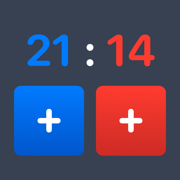
Squash Scoreboard: Nick is the free squash score keeper for iPhone and Apple Watch. Start a match, tap when you score, and it tracks games and the match for you — no account, no ads.

Features
-
Tap when you score
Start a match and tap when you win a point. The app handles games and the match — the squash rules you'd rather not track mid-rally.
-
Your format, your rules
Choose Best of 1, 3 or 5 games, and whether games play to 9, 11 or 15. Set it once before you play.
-
Undo when they call it wrong
Someone calls the score wrong? Tap undo to roll back the last point. The score is always the one you actually played.
-
Pause and pick up later
Take a break between games and resume right where you left off. Matches survive a locked screen.
-
iPhone and Apple Watch
Start on one, finish on the other. Glance at your wrist between points instead of digging out your phone.
-
Yours, on your device
Everything runs locally. No account to create, no ads. Just you, your match, and the score.
Screenshots
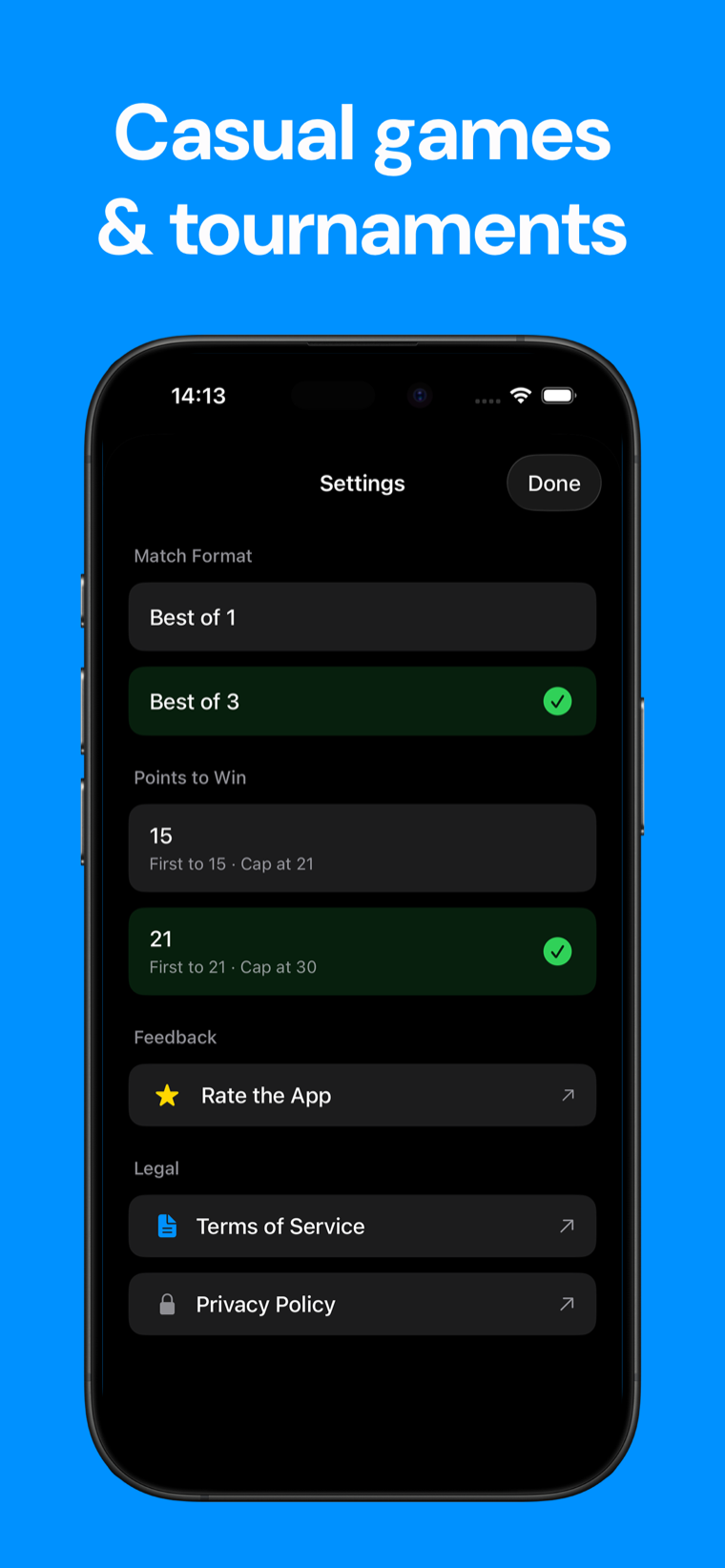
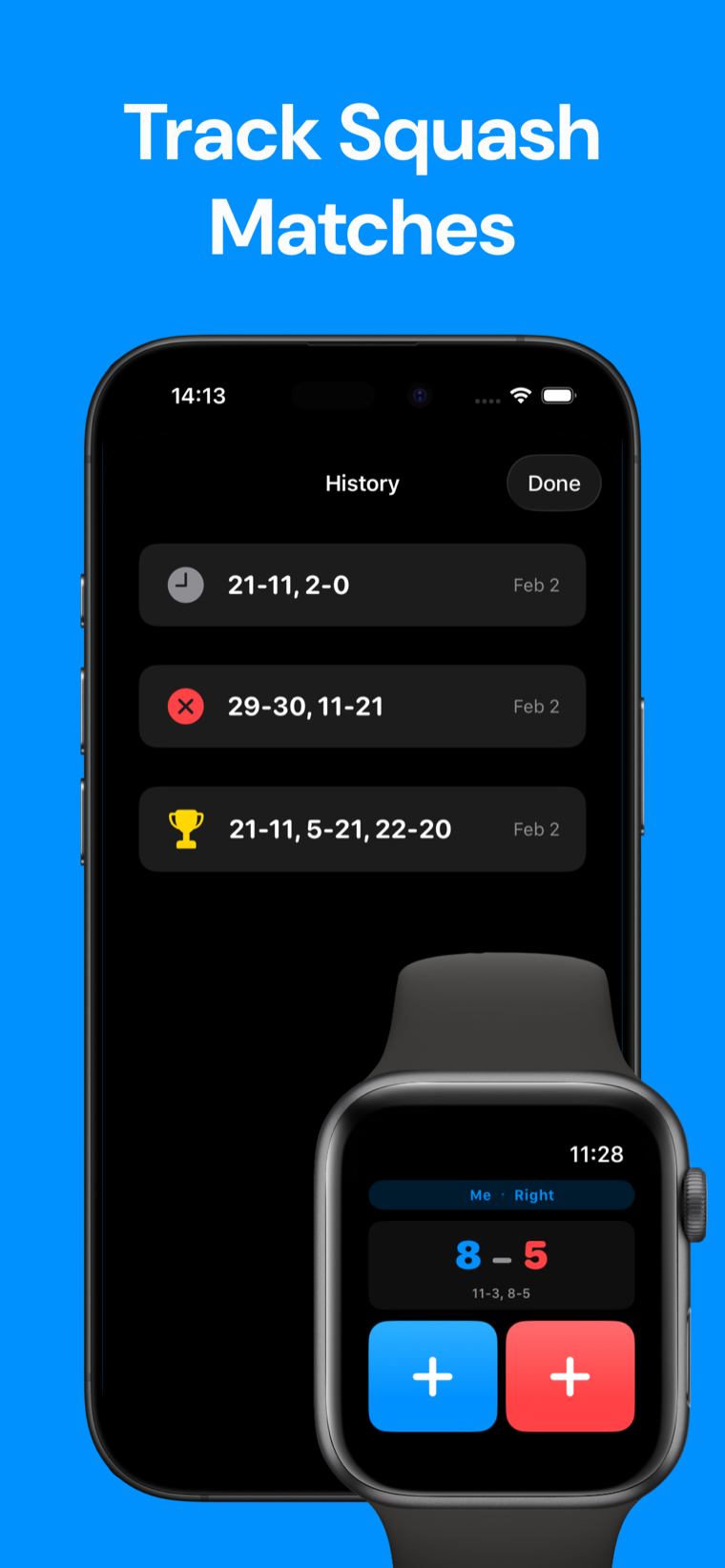
Best of 1, 3 or 5 games, with games to 9, 11 or 15. Pick it once at setup and the app scores the whole match that way.
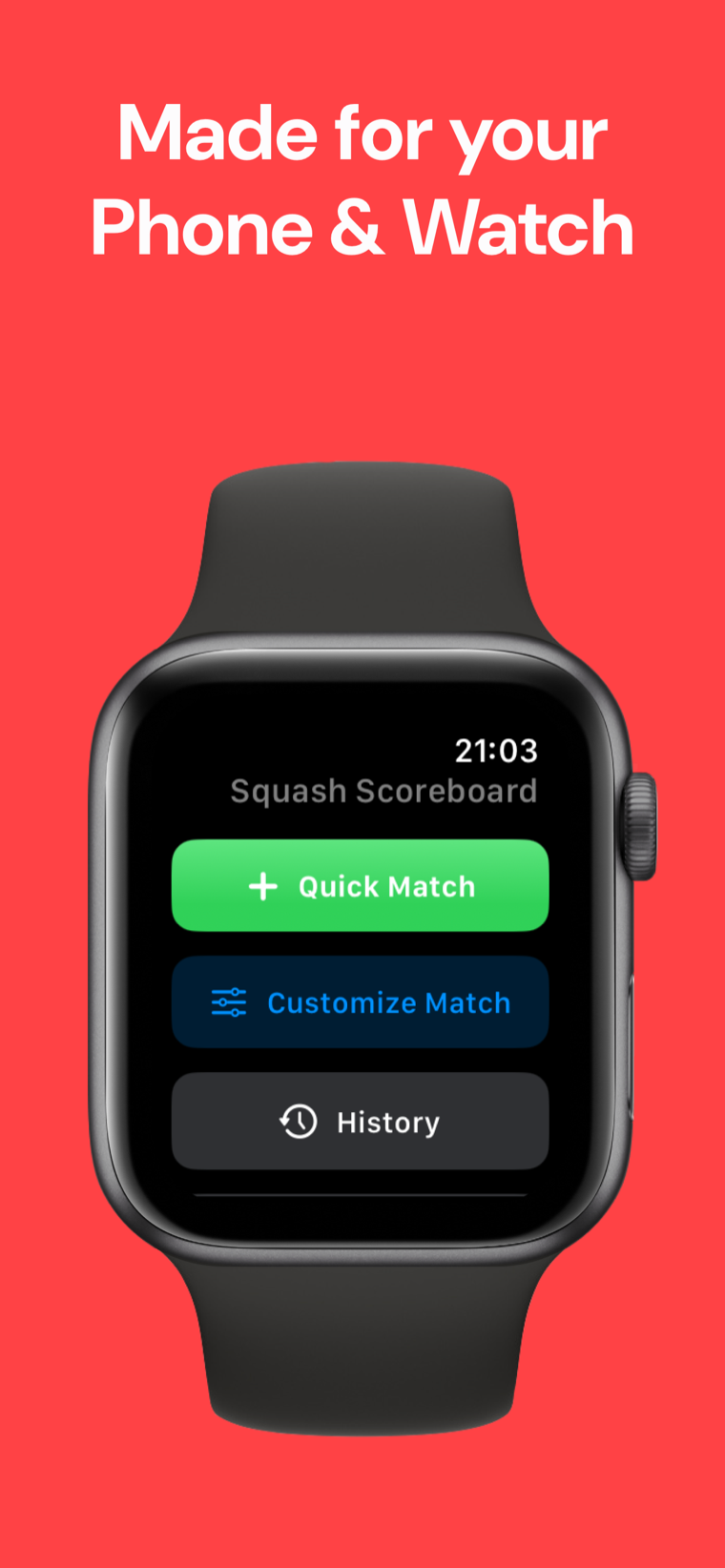
Start a match on your iPhone and finish it on your Apple Watch, or score from your wrist between points.
How it works
-
Start a match
Pick your format — Best of 1, 3 or 5 games — and whether games play to 9, 11 or 15.
-
Tap when you score
Tap once for whoever wins the point. The app counts points, advances games and tracks the match for you.
-
See the result
The final score is saved to your match history, so you can look back at past games anytime.
FAQ
Frequently asked questions
Is Squash Scoreboard free?
Yes. The app is free to download and use, with no ads and no account required.
Which scoring formats does it support?
You pick the format at setup: Best of 1, 3 or 5 games. The app tracks games and the match for whichever format you choose.
Can I choose how many points win a game?
Yes. Before a match you choose whether games play to 9, 11 or 15 points, so the app scores games the way your group plays.
What if someone calls the score wrong?
Tap undo to roll back the last point. You can correct a miscount at any time without restarting the match.
Can I pause a match and finish it later?
Yes. You can pause and resume a match at any time — take a break between games, lock your phone, and pick up from the exact score when you come back.
Does the app save my past matches?
Yes. Every match is kept in your history, so you can look back at previous scores anytime.
Does it work on Apple Watch?
Yes. The app works on iPhone and Apple Watch. You can start a match on one and finish it on the other, so you can score from whichever is closest to the court.
Do I need an internet connection or an account?
No. Everything runs on your device. There's no sign-up, no login and no connection required — it works fully offline on the court.
How do I keep score with the app during a match?
Start a match, then tap when you win a point. The app counts points, advances games and tracks the match, so you just play and tap.
Does Squash Scoreboard work on iPad?
Yes. It's a universal app that runs on iPhone, iPad and Apple Watch, so you can keep score on whichever device is closest to the court.
Stop arguing about the score.
Download Squash Scoreboard and let the app keep count while you play.
Free Squash tools
- Squash Court Measurement CalculatorEnter a squash court plan's dimensions to create a clear checklist in metres, feet or inches for singles or doubles.
- Squash Racquet SelectorAnswer four fitting questions to get a squash racquet specification to shop with, plus reasoning and an alternative to try.
- Squash String Tension GuideChoose your playing standard, priority and string type, then compare your current tension with a practical squash recommendation in lb and kg.
From the blog
All articles →- Squash vs tennis: which sport should you actually play?Squash vs tennis compared on court size, ball behavior, rally intensity, scoring, and how much racket technique actually transfers between them.
- Squash vs racquetball: courts, balls, rules, and scoringSquash vs racquetball, compared: court size, the tin, ceiling play, ball and racket differences, and why the two scoring systems don't match.
- How long is a squash match? Real ranges and what drives themHow long is a squash match? Best of five games to 11, realistic club and pro time ranges, and the rally, interval and 10-10 math behind it.